Navigation: StampCAT FAQ > Reports >
Is it possible to change the left margin?


|
Navigation: StampCAT FAQ > Reports > Is it possible to change the left margin? |
|
Yes:
| 1. | Open the Report Designer by choosing Report Designer from the Report menu. |
| 2. | Choose Open from the File menu and open the report you want to print. |
| 3. | Choose Page Setup from the File menu to open the 'Page Setup' window. |
| 4. | Specify a new left margin.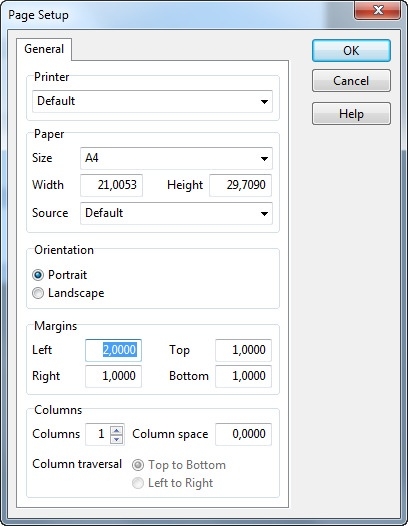 |
| 5. | Click OK. |
| 6. | Choose Save from the File menu to save the changes. |