Navigation: StampCAT FAQ > Data Entry >
How do I edit a lookup table?


|
Navigation: StampCAT FAQ > Data Entry > How do I edit a lookup table? |
|
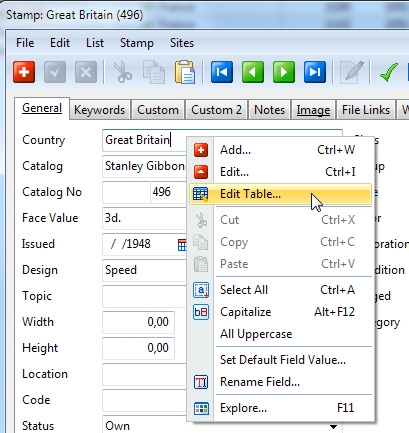
Simply right-click the data field and choose Edit Table from the popup menu:
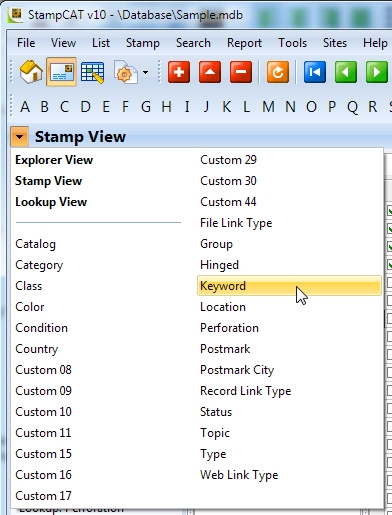
You can also edit the lookup tables from the Lookup View. Simply select the lookup table you want to edit from the View button.