Navigation: CATraxx FAQ > Data Entry > Lookup Tables >
How do I edit a lookup table?


|
Navigation: CATraxx FAQ > Data Entry > Lookup Tables > How do I edit a lookup table? |
|
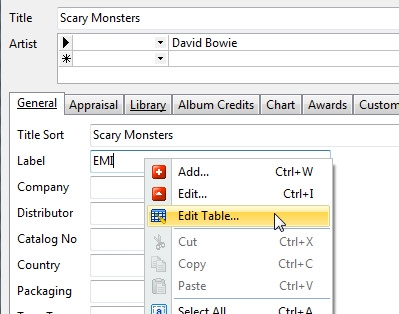
Simply right-click the data field linked to the lookup table and choose Edit Table from the popup menu:
You can also edit the lookup tables from the Lookup View. Simply select the lookup table you want to edit from the View button.
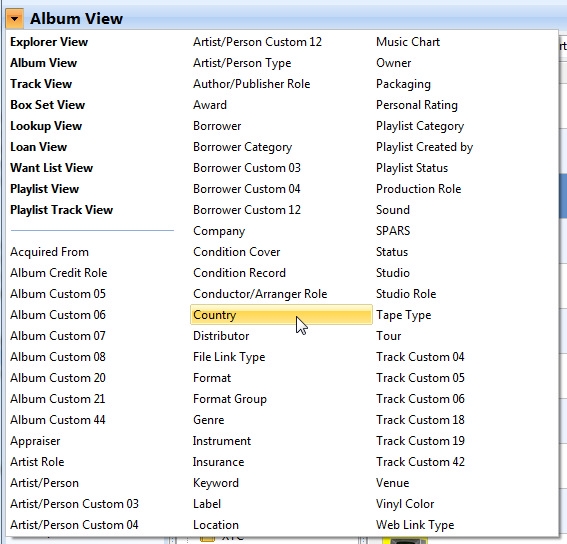
You can now browse the records in the selected lookup table the same way you browse albums in the Album View.