Navigation: CATraxx FAQ > Data Entry > Lookup Tables >
How do I add, edit and delete genres?


|
Navigation: CATraxx FAQ > Data Entry > Lookup Tables > How do I add, edit and delete genres? |
|
Can someone tell me how to add, edit and delete genres in CATraxx?
In the data entry window, simply right-click the Genre field and choose Edit Table from the popup menu:
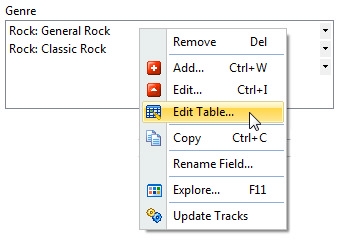
(To add a new genre you can choose Add, and to edit the selected genre choose Edit.)
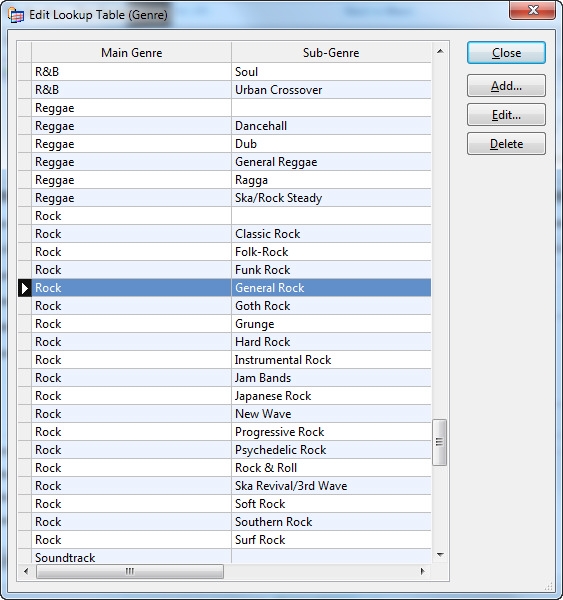
You see the 'Edit Lookup Table (Genre)' window. From this window you can add, edit and delete genres:
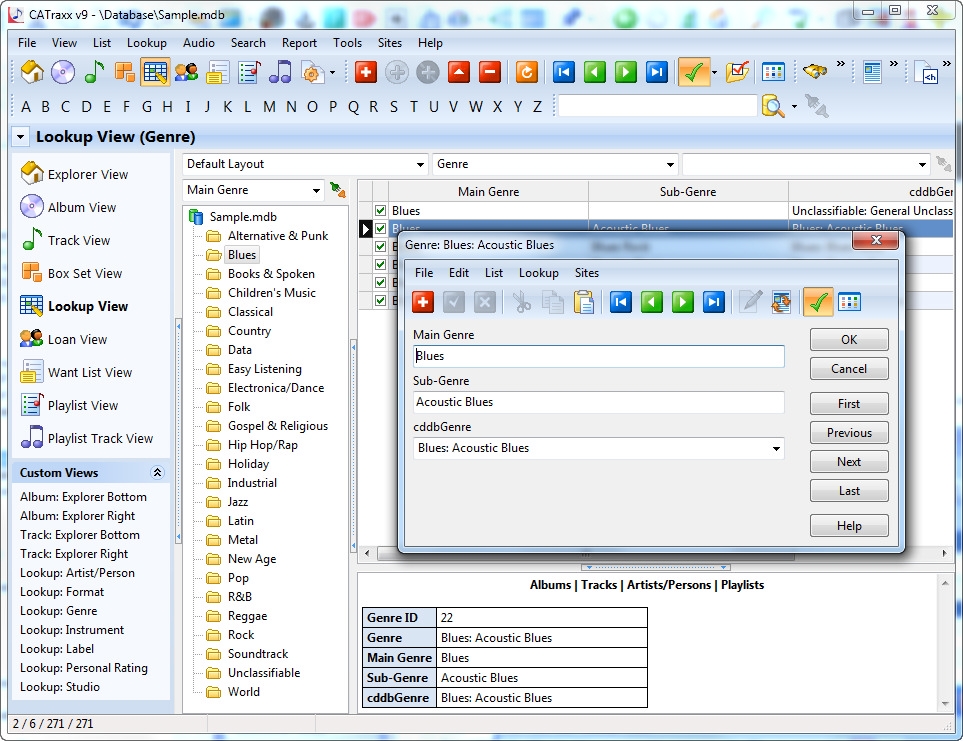
Another option is to use the Lookup View: Select Genre from the View button to open the Genre table in the Lookup View.