|
About reports |
  
|
|
About reports |
|
When you want to print out data, you can bring up the Report Designer to create a new report, select a pre-defined report from the Report menu, or use the Print List command to print the contents of the browse list.
Printing the browse list
To print the browse list, choose Print from the File menu. This will open the 'Print List' window.
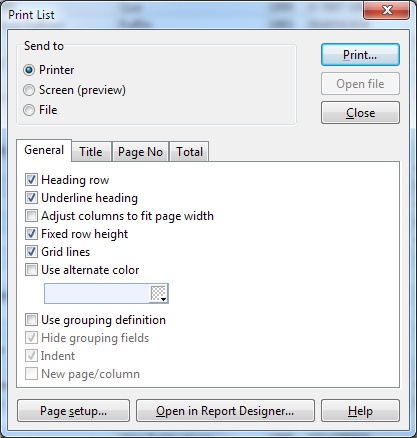
Click the Help button if you need more help about the various options in this window.
Report Designer
BookCAT includes a report designer that lets you create almost any type of report. You have full control over data fields, groups, sort order, columns, fonts, colors, paper size, margins and print orientation. You can add your own reports to the Report menu so that you can easily print them later.
Choose Report Designer from the Report menu to open the Report Designer.
Predefined reports
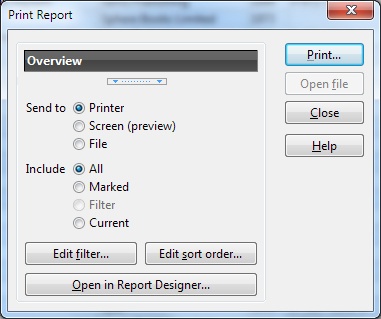
On the Report menu you also find all the pre-defined reports that ships with BookCAT. Simply select the report you want to print. This will open the 'Print Report' window.